

The Future of POS
Less busywork behind every sale.
Bring checkout, invoice receiving, inventory, and online orders together—so your team spends less time entering data and more time running the store.
Now welcoming wine and liquor stores across the U.S.
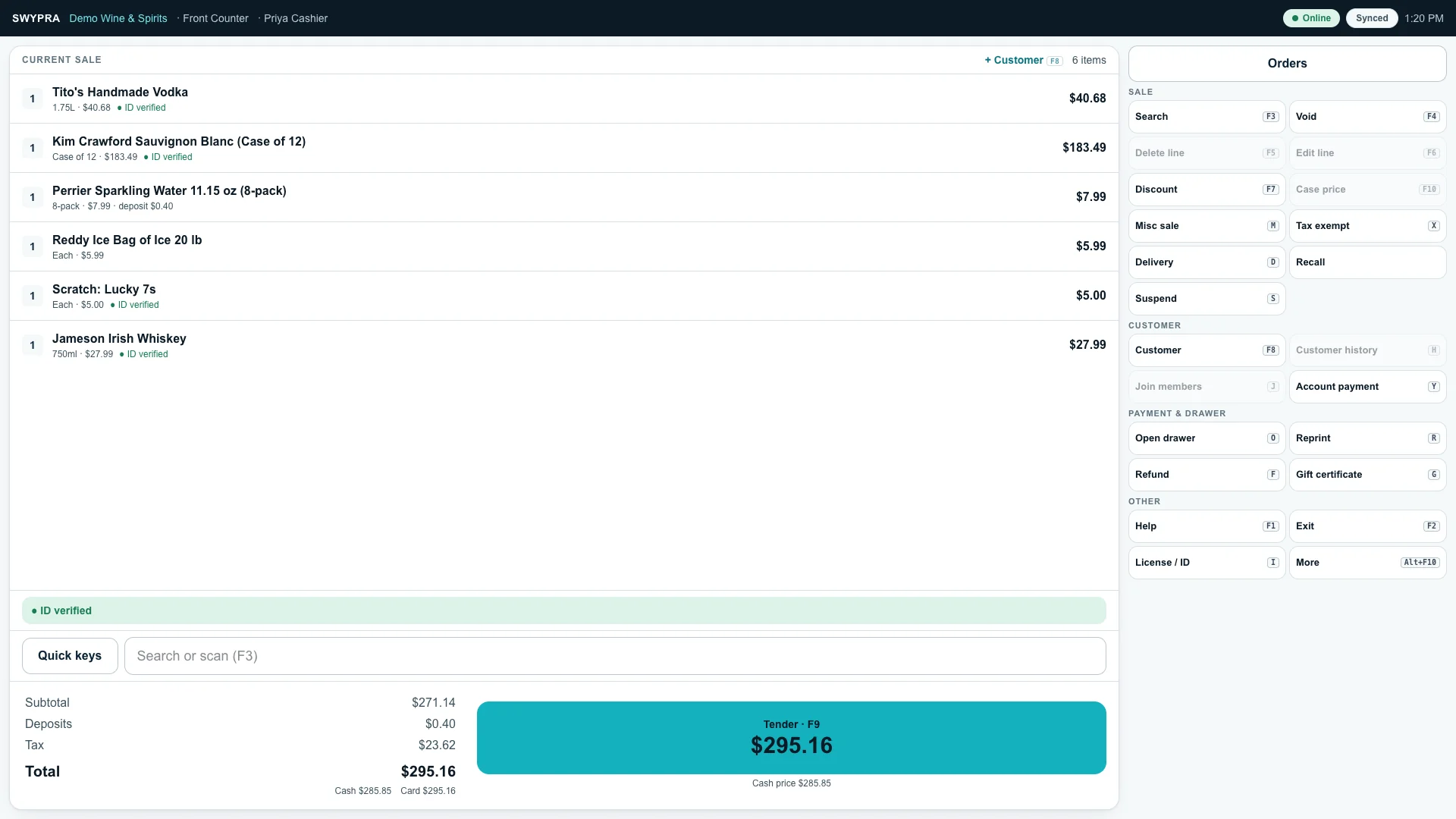
More than a register.
Invoice receiving without the retyping.
Learn more: Invoice receiving without the retyping.Upload a distributor invoice, review matched items and cost changes, and approve the delivery. Stock and costs update from the same review screen.
Website orders, right at the register.
Learn more: Website orders, right at the register.Review incoming orders, prepare them for pickup or delivery, and keep fulfillment connected to your store's inventory.
Rewards on the customer's profile.
Learn more: Rewards on the customer's profile.Customers earn points on their purchases, and their rewards and purchase history stay on the same profile at the register.
Your store online.
Learn more: Your store online.Give customers a website under your store's name, with connected stock, checkout, and order handling.
Know what to order—and why.
Learn more: Know what to order—and why.Review suggested quantities based on sales, available stock, and upcoming deliveries. Adjust the list and create a purchase order for each distributor.
…and much more. Explore all features.
In the product
See the work SWYPRA takes off your team.
Review the invoice once. Stock and costs follow.
Upload a photo or PDF of a distributor invoice. SWYPRA reads the lines, matches them to your items, and shows cost changes before anything is received.
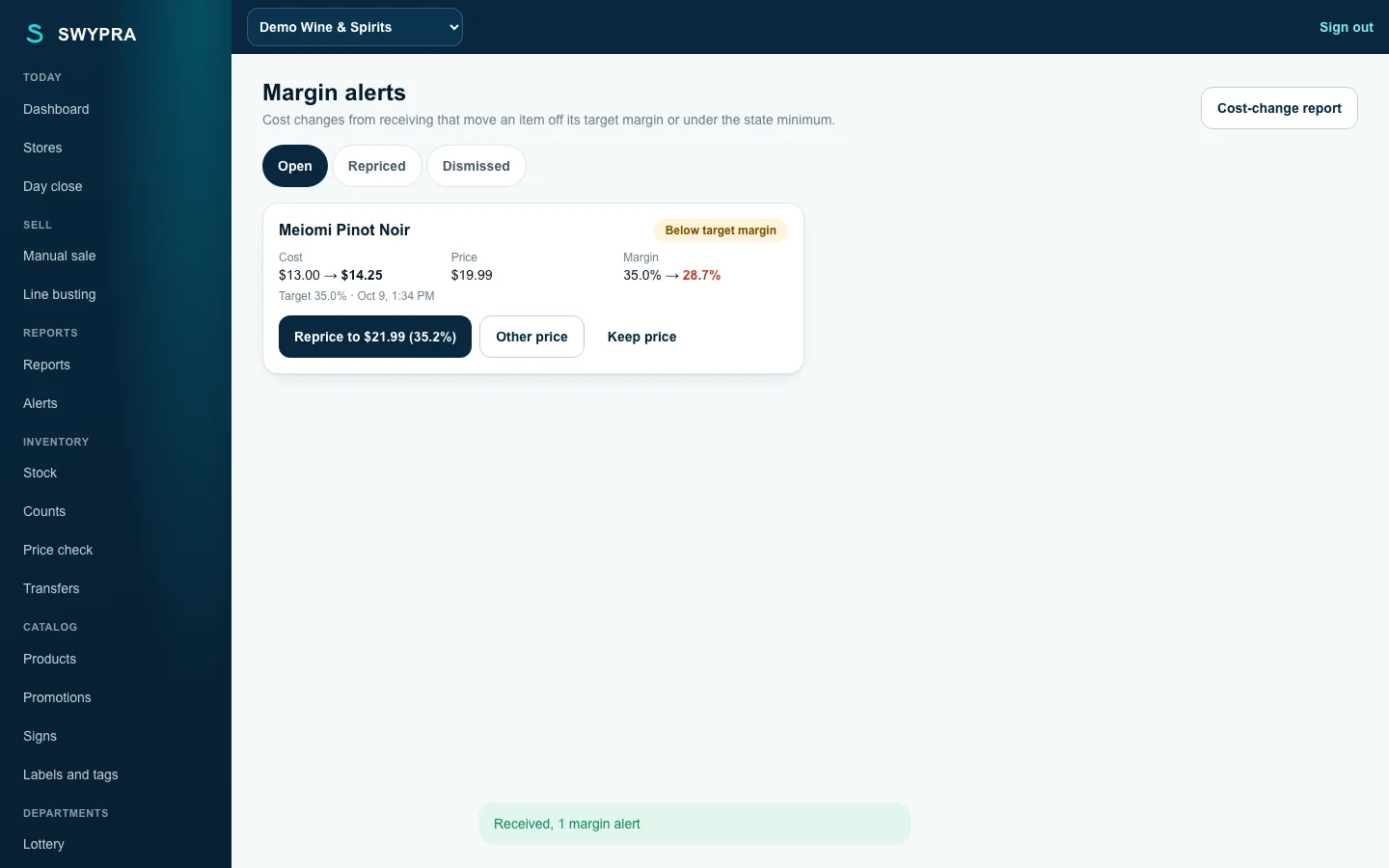
When a new cost moves an item below its target margin, SWYPRA suggests a price. You decide whether to change it.
Orders from your website arrive at the register.
Paid orders from your online store appear in the register's order list. Staff prepare them for pickup or for delivery by your own team, from the same inventory as in-store sales.
Third-party delivery integrations are in development. We're building connections to bring supported delivery-app orders into SWYPRA. Ask about availability for your store.
See what sells, then order what you need.
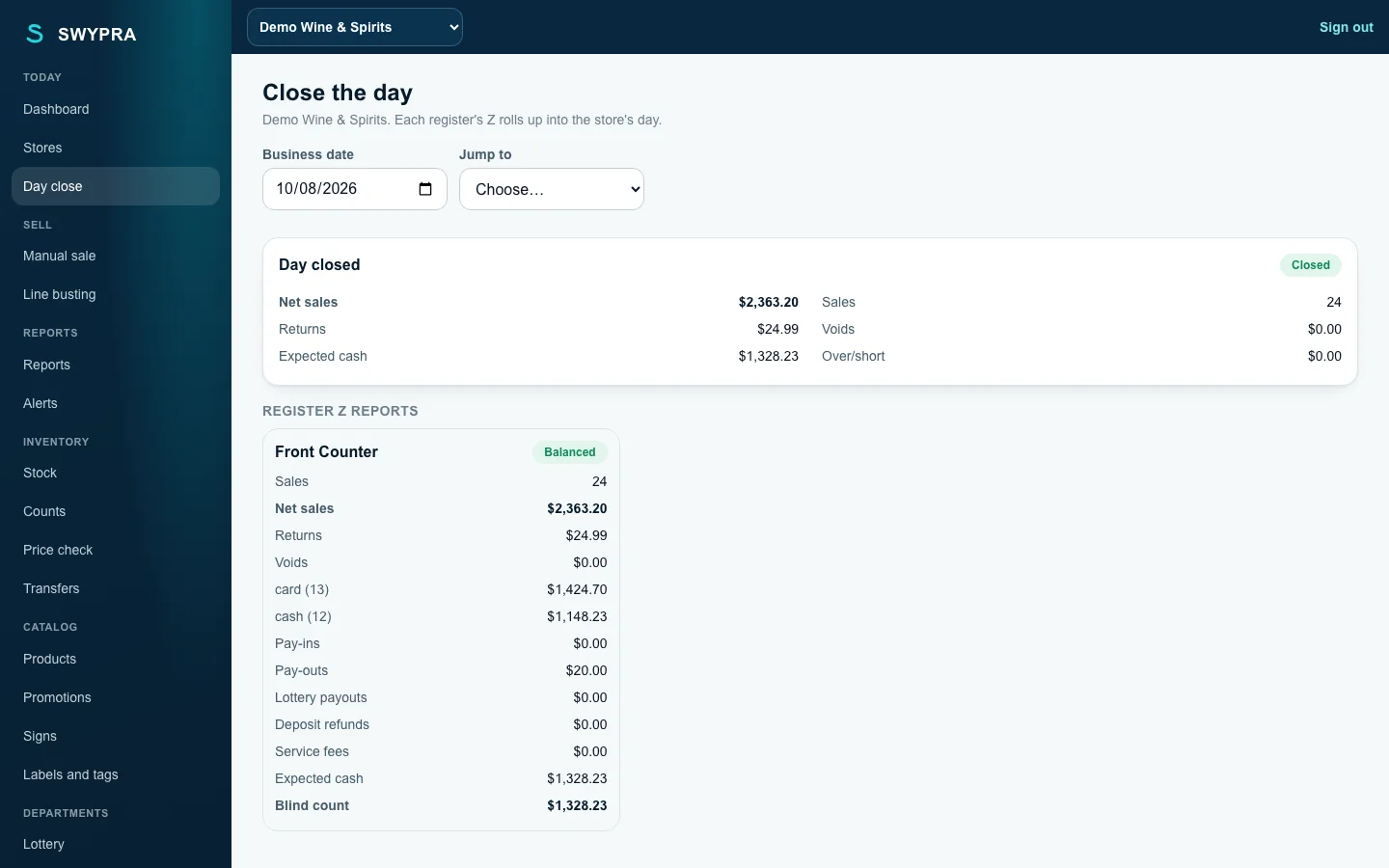
Reports cover sales, gross profit, stock, and the day's close, with the date range and filters shown.
Reorder suggestions are grouped by distributor, with the reason behind each line, and become a purchase order when you approve them.
Switch systems without starting over.
Setup, supported imports, remote training, and follow-ups are part of every switch. Your register runs on SWYPRA hardware. See the switching plan or ask about SWYPRA hardware options.
Five stages, worked out with you.
- 1. Plan
- 2. Prepare your data
- 3. Set up
- 4. Train
- 5. Go live
Your store doesn't start from scratch.
Bring your products, prices, and customers with you. On-site installation and additional data-cleanup services are available.
See how SWYPRA fits your store.
Walk through checkout, receiving, and the back office in a 30-minute demo built around your day-to-day work.